What Does ATS Resume Mean? A 2025 Guide to Beating the Bots
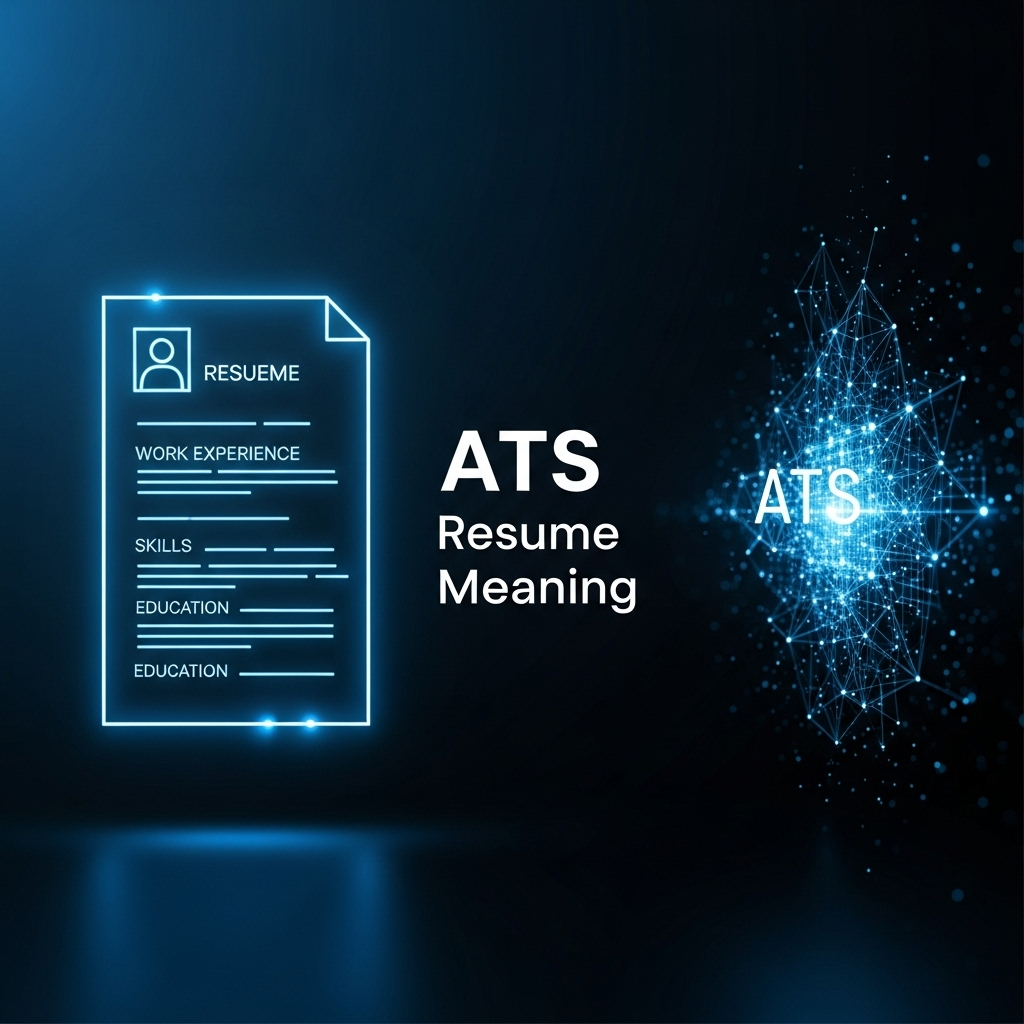
SEO Title: What Does ATS Resume Mean? A 2025 Guide to Beating the Bots
Meta Description: Wondering about the real ATS resume meaning? Discover how Applicant Tracking Systems work and get actionable steps to create a resume that gets you noticed. Read now!
Unlocking the True ATS Resume Meaning: Your Ultimate Guide for 2025
You've spent hours perfecting your resume, sending out dozens of applications, only to be met with silence. It’s a frustratingly common experience for job seekers. But what if the problem isn’t your qualifications, but a machine that never even gave you a chance? The culprit is likely an Applicant Tracking System (ATS), and understanding its function is the single most important step in modern job hunting.
This guide goes beyond simple definitions. We will provide a comprehensive, step-by-step playbook to ensure your resume not only passes the ATS test but excels, putting you ahead of the competition.
What Exactly is an Applicant Tracking System (ATS)?
An Applicant Tracking System (ATS) is software used by companies to manage the recruiting and hiring process. Its primary job is to act as an automated gatekeeper, parsing, sorting, and ranking job applications based on a set of predefined criteria. With nearly 99% of Fortune 500 companies and a growing number of small to mid-sized businesses using them, you can no longer afford to ignore them. Jobscan Research.
How ATS Software Reads and Ranks Your Resume
- Parsing: The ATS first scans your resume document and "parses" the text, extracting information like your contact details, work history, skills, and education. It then stores this data in a standardized digital profile.
- Keyword Matching: Recruiters then search their database of candidates using specific keywords from the job description. The ATS ranks candidates based on how well the keywords on their resume match the search query. If your resume lacks the right keywords, it will rank low and likely never be seen by a human.
Common ATS Mistakes That Get 80% of Resumes Rejected
The competitor's article gives basic tips, but let's look at specific, real-world mistakes and how to fix them.
Mistake #1: Overly Creative Formatting
Your beautifully designed resume with columns, tables, and graphics might look great to the human eye, but it confuses most ATS bots.
- What the ATS Sees:
[Unreadable Characters] | [Misplaced Section] - The Fix: Stick to a clean, single-column layout. Use standard fonts like Arial, Calibri, or Times New Roman. Avoid images, charts, and tables for crucial information.
Mistake #2: Using Unconventional Section Headers
You might think "My Professional Journey" sounds more creative than "Work Experience," but an ATS is looking for standard terminology.
- What the ATS Sees:
[Unknown Section Header]- The system may skip this section entirely. - The Fix: Use standard, universally recognized headers:
- Work Experience
- Education
- Skills
- Certifications
- Contact Information
Mistake #3: The "One-Size-Fits-All" Approach
Sending the same generic resume to every job is a fatal error. The competitor mentions adding keywords, but let's be more strategic.
- What the ATS Sees: A low match rate because your resume for a "Digital Marketing Manager" role is missing keywords from a "Social Media Strategist" job description.
- The Fix: Meticulously tailor your resume for each application. Mirror the exact keywords and phrases found in the job description's "Requirements" and "Responsibilities" sections.
Step-by-Step: Building the Perfect ATS-Optimized Resume
- Start with a Master Resume: Create a detailed master document listing all your experiences, skills, and accomplishments.
- Analyze the Job Description: For each application, copy the job description into a text editor and highlight the key skills, qualifications, and responsibilities.
- Customize Your Headers: Ensure you are using standard section titles.
- Integrate Keywords: Weave the highlighted keywords from the job description naturally throughout your "Work Experience" and "Skills" sections. Use bullet points to describe accomplishments, starting with strong action verbs.
- Choose the Right File Type: Save your resume as a .docx or .pdf file unless the application specifies otherwise. These are the most universally ATS-compatible formats.
The Ultimate ATS Resume Checklist: Do's and Don'ts
| Do | Don't |
|---|---|
| Do use a clean, single-column format. | Don't use tables, columns, or graphics. |
| Do use standard resume section titles. | Don't get creative with headers. |
| Do tailor keywords for each specific job. | Don't send a generic, one-size-fits-all resume. |
| Do use both the full and abbreviated forms of a keyword (e.g., "Master of Business Administration" and "MBA"). | Don't stuff keywords unnaturally. |
| Do use a standard, readable font. | Don't put important text in the header or footer. |
Stop Guessing, Start Optimizing with JobSeekerTools
Feeling unsure if your resume will pass the test? The principles are clear, but execution can be tricky. This is where JobSeekerTools comes in. Our resume optimization tool simulates the ATS process by allowing you to paste your resume and the job description. It instantly gives you a match score and highlights the exact keywords and skills you are missing, taking the guesswork out of the equation. Stop applying into the void and start getting the interviews you deserve.
Conclusion: Your Key to Beating the Resume Robots
Understanding the 'ATS resume meaning' is no longer optional—it's the foundation of a successful job search. By focusing on clear formatting, standard section headers, and strategic keyword tailoring for every application, you can transform your resume from an invisible document into a powerful tool that consistently beats the bots and lands on the recruiter's desk.
Visual Guides
How an ATS Reads Your Resume
This infographic explains how Applicant Tracking Systems (ATS) process and rank resumes.
1. Resume Submission
- A candidate submits their resume for a job application.
2. The Parsing Engine
- The ATS receives the resume file.
- A parsing engine scans the document to extract text and data.
- Note: Complex formatting, columns, images, and non-standard fonts can cause parsing errors.
3. Keyword Extraction
- The system identifies and extracts key information based on the job description's requirements.
- Keywords may include:
- Skills (e.g., "Project Management", "Python", "Data Analysis")
- Job Titles (e.g., "Software Engineer", "Marketing Manager")
- Education and Certifications (e.g., "MBA", "PMP")
- Contact Information
4. Candidate Ranking
- The ATS compares the extracted keywords from the resume against the requirements of the job description.
- Candidates are scored and ranked based on how well their resume matches the job criteria.
- Recruiters see a ranked list, with the most qualified candidates at the top.
An infographic explaining the ATS resume meaning and how applicant tracking systems parse and rank candidate resumes.
ATS-Friendly vs. Creative Resume
This chart compares a creative resume with an ATS-friendly one, highlighting features that can cause issues with applicant tracking systems.
Creative Resume (Not Recommended)
- Columns: Multi-column layouts can confuse ATS parsers, leading to jumbled text.
- Photos: Images and graphics are often ignored or can cause parsing errors.
- Skill Bars: Visual elements like skill bars and ratings are not readable by ATS.
- Non-Standard Fonts: Ornate or custom fonts may not be recognized.
ATS-Friendly Resume (Recommended)
- Single-Column Layout: A clean, linear format ensures the content is read in the correct order.
- Standard Fonts: Use common fonts like Arial, Calibri, or Times New Roman.
- Clear Sections: Use standard headings like "Work Experience," "Education," and "Skills."
- Keyword Optimized: The content is tailored with relevant keywords from the job description.
A comparison chart showing an ATS-friendly resume versus a creative resume to explain the core ats resume meaning for job seekers.
Frequently Asked Questions
1. Should I use a .pdf or .docx file for my resume? Most modern ATS can handle both formats perfectly well. However, if a job application explicitly requests one format, always follow its instructions. If not specified, a .pdf is generally safer as it preserves formatting across different systems.
2. How do I find the right keywords for my resume? The best source is the job description itself. Read through the "Responsibilities" and "Qualifications" sections and identify recurring nouns, skills, and industry-specific terminology. These are your primary keywords.
3. Can I still have a creative portfolio or personal website? Absolutely! Your ATS-optimized resume is for getting past the initial screening. You should include a link to your personal website or online portfolio in your contact information section. This allows the human recruiter to see your creative side once your resume has been selected.