7 Ways to Beat the Jobscan Scan Limit in 2024 (And Why You Keep Running Out)
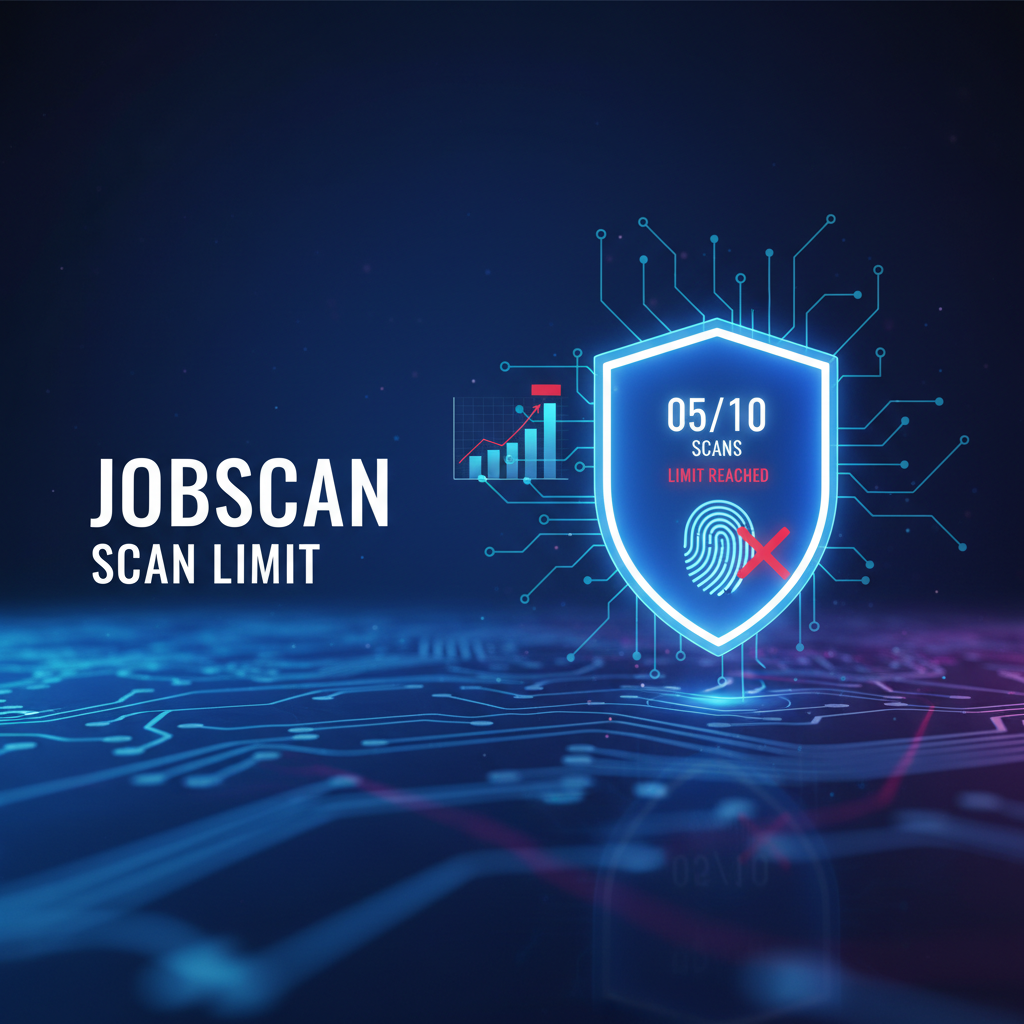
7 Ways to Beat the Jobscan Scan Limit in 2024 (And Why You Keep Running Out)
Meta Description: Hit the frustrating Jobscan scan limit again? Discover how to bypass restrictions, optimize your resume effectively, and try a better alternative today!
Introduction
Have you ever spent hours tailoring your resume, only to hit the dreaded "Jobscan scan limit" right before you apply? You're not alone. Many job seekers rely on resume scanners to pass the Applicant Tracking System (ATS), but running out of monthly scans can completely derail your job search momentum. In this definitive guide, we’ll not only break down what the Jobscan scan limit really means but also provide actionable, well-researched strategies to maximize your resume optimization without breaking the bank.
Understanding Jobscan's 2024 Updates and Scan Limits
Jobscan recently released their February 2024 updates, focusing heavily on their "Power Edit" experience. While they touted features like unlimited viewing of "favorited resumes" and new celebratory animations, the core issue for many free and basic users remains unchanged: the strict cap on new resume-to-job-description scans. The competitor's update merely shifts the focus to editing features rather than addressing the core pain point of limited initial scans.
Where the Competitor Falls Short
The official Jobscan blog highlights new animations and highlighted skills, but it completely glosses over the frustration of hitting the paywall after just a few scans. They lack practical examples on how to optimize your resume before wasting a precious scan. We're here to bridge that gap with actionable advice, simplifying the complex ATS landscape.
The Reality of ATS: Why You Need Scans
Did you know that 98% of Fortune 500 companies use ATS to filter candidates? Jobscan Research on ATS Usage. This makes resume optimization non-negotiable. However, relying on a tool with a tight jobscan scan limit can force you to submit poorly optimized applications, significantly lowering your chances of landing an interview.
Step-by-Step Guide to Maximizing Your Scans
If you are stuck with a limited number of scans, here is how to make every single one count:
- Pre-Optimize Manually: Read the job description and manually add the most obvious hard skills and keywords to your resume before your first digital scan.
- Combine Similar Job Postings: If you are applying for three similar roles (e.g., three different "Marketing Manager" positions), paste all three job descriptions into one document and scan your resume against the combined list to save your scan limit.
- Focus on the Core Requirements: Don't waste scans on "reach" jobs you are only mildly interested in. Reserve your limited Jobscan scan limit for your top-tier dream jobs.
- Use JobSeekerTools: Switch to a platform designed with the user in mind, offering more flexible and affordable options to optimize your resume scanner experience.
Comparing Resume Optimization Strategies
| Strategy | Past Approach | Present Tense (2024 Best Practice) |
|---|---|---|
| Keyword Stuffing | Hiding white text on resumes | Natural integration of LSI keywords |
| Scanning | Scanning every minor tweak | Pre-optimizing and using scans for final checks |
| Tool Choice | Accepting restrictive jobscan scan limits | Upgrading to flexible alternatives like JobSeekerTools |
Do's and Don'ts of Resume Scanning
- Do use exact keyword matches for hard skills and software mentioned in the job description.
- Do stem your keywords naturally (e.g., matching "facilitated" to "facilitate" if the ATS supports it).
- Don't waste your jobscan scan limit on early, unpolished drafts of your resume.
- Don't ignore formatting; keep it clean and ATS-friendly, avoiding complex tables and graphics.
A Better Alternative: JobSeekerTools
If you are tired of counting your remaining scans and worrying about the jobscan scan limit, it's time to upgrade your job search. At JobSeekerTools, we provide robust resume analysis and comprehensive ATS optimization designed to empower your career journey—without the anxiety of restrictive caps. Stop letting limits define your success and let our platform seamlessly guide you to your next interview.
Conclusion
Navigating the modern job market requires smart tools, but hitting a jobscan scan limit shouldn't be the roadblock that costs you an interview. By understanding how to manually pre-optimize, batch your job descriptions, and switch to superior alternatives like JobSeekerTools, you can take control of your resume strategy. Remember: your career growth shouldn't be restricted by an arbitrary monthly quota.
Key Resources
Comparison Infographic
Caption: Infographic comparing Jobscan scan limit restrictions with JobSeekerTools unlimited resume optimization features
The Frustrating Experience: Hitting a Scan Limit (Competitors)
- The Barrier: Encountering a strict limit on the number of resume scans you can perform.
- The Result: A locked screen abruptly stopping your application progress.
- The Impact: Forced to guess keyword matches or pay expensive upgrade fees just to apply for a job.
- Stress Level: High - every scan feels like a gamble.
The Seamless Potential: JobSeekerTools
- The Freedom: Unlimited potential for resume optimization and tailoring.
- The Result: A clear, upward-trending career trajectory with continuous feedback.
- The Impact: Confidently tailor your resume for every single application without worrying about quotas.
- Success Rate: Maximized - iterate as many times as needed to achieve the perfect ATS match.
Pre-Optimization Checklist
Caption: Checklist for manual ATS resume optimization to save your Jobscan scan limit
5 Steps to Manually Optimize Your Resume
- Step 1: Match the Job Title: Ensure the target job title appears clearly at the top of your resume.
- Step 2: Identify Core Skills: Highlight 3-5 hard skills mentioned frequently in the job description and add them to your skills section.
- Step 3: Quantify Achievements: Review your bullet points and add numbers or metrics to demonstrate impact wherever possible.
- Step 4: Use Action Verbs: Start every bullet point with a strong, relevant action verb instead of passive language.
- Step 5: Check Formatting Basics: Ensure you're using a standard font, clear headings, and ATS-friendly formatting (no complex tables or graphics).
Frequently Asked Questions
What happens when I reach my Jobscan scan limit? When you hit your limit on a free account, you will be prompted to upgrade to a premium plan in order to perform any additional resume-to-job-description scans for the remainder of the billing cycle or month.
Can I get more scans without paying? Historically, users could sometimes earn a few extra scans by referring friends, but relying on referrals is not a sustainable long-term strategy for an active job search. It's often better to look for more flexible tools.
Are there alternatives with a better scan limit? Yes! Platforms like JobSeekerTools offer much more generous or flexible usage policies, ensuring you have the resources you need to thoroughly tailor your resume for every application without constant paywall interruptions.