Is Your LinkedIn URL Holding You Back? The 2025 Guide to the Perfect LinkedIn URL Format
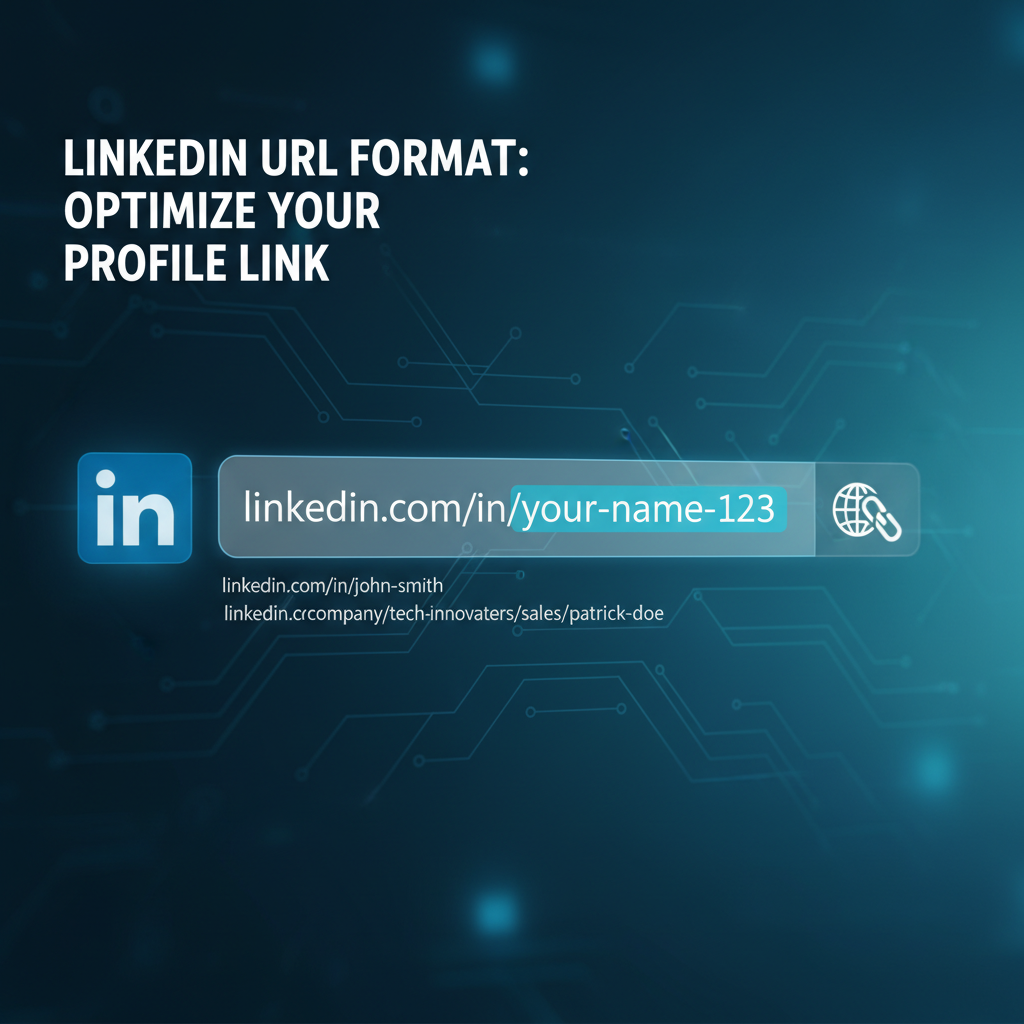
Is Your LinkedIn URL Holding You Back? The 2025 Guide to the Perfect LinkedIn URL Format
Meta Description: Confused by the LinkedIn URL format? Learn how to customize your public profile URL in under 60 seconds. Our guide provides expert tips, examples, and fixes to boost your professional brand and get noticed by recruiters. Master your LinkedIn presence today!
Introduction
In a competitive job market, every detail on your professional profile matters. You’ve polished your resume, tailored your cover letter, but have you looked at your LinkedIn URL? That long, clunky default URL with random numbers isn't just ugly; it could be hurting your chances of landing your dream job. Many professionals overlook this small but significant detail, missing a key opportunity to strengthen their personal brand.
This guide goes beyond a simple "how-to." We'll dive deep into the optimal LinkedIn URL format, provide actionable strategies to create a memorable and professional URL, and show you how to leverage it to catch the eye of recruiters. Forget the outdated advice; this is the definitive guide for 2025.
Why Your LinkedIn URL Format Matters More Than You Think
Your LinkedIn URL is your digital business card. It’s a direct link to your professional identity. Here’s why customizing it is a non-negotiable step for any serious job seeker:
- Professionalism and First Impressions: A clean, custom URL like
linkedin.com/in/yournamelooks far more professional and intentional than the defaultlinkedin.com/in/your-name-a5b1c2d3. It shows you’re detail-oriented. - Enhanced Personal Branding: Your URL becomes an integral part of your brand. It’s easy to remember, share, and add to resumes, email signatures, and business cards.
- Improved SEO (Search Engine Optimization): A customized URL with your name and relevant keywords can help your LinkedIn profile rank higher when someone searches for you on Google.
- ATS-Friendly: Applicant Tracking Systems (ATS) are used by over 98% of Fortune 500 companies to screen resumes Jobscan. A clean, hyperlinked URL is more easily parsed and followed by these systems, ensuring recruiters can access your profile without issues.
How to Change Your LinkedIn URL: A Step-by-Step Guide
Customizing your URL is a simple process that takes less than a minute.
On Desktop:
- Navigate to your LinkedIn profile.
- In the top right corner of your profile, click on "Edit public profile & URL".
- On the right side of the new page, under "Edit your custom URL", click the pencil icon.
- Type your desired custom URL. Your custom URL must be 3-100 characters long and can only contain letters and numbers (no spaces, symbols, or special characters).
- Click "Save".
On Mobile (iOS & Android):
- Open the LinkedIn app and tap your profile picture in the top left corner.
- Tap "View Profile".
- Tap the pencil icon to edit your introduction section.
- Scroll down to the bottom where you see "Profile URL" and tap it.
- You'll be taken to the same "Public profile settings" page. Tap the pencil icon next to your URL and edit it.
- Click "Save".
Choosing the Best LinkedIn URL Format: Examples and Best Practices
Your goal is a URL that is memorable, professional, and unique. Here is a table outlining some of the best formats to consider.
| Format Style | Example | Best For |
|---|---|---|
| First Name + Last Name | /in/johnsmith | The gold standard. Clean, professional, and easy to remember. |
| Name + Initial | /in/johnfsmith | When your name is common and the simple version is taken. |
| Name + Profession/Industry | /in/johnsmith-marketing | Reinforces your professional identity and can add SEO value. |
| Name + Certification | /in/janedoepmp | Highlights a key qualification (e.g., PMP, CFA, RN). |
| Creative/Branded | /in/marketingsmith | For freelancers or consultants building a distinct personal brand. |
LinkedIn URL Do's and Don'ts
To ensure your URL is effective, follow these simple rules:
Bulleted List: Do's
- Do keep it short and simple.
- Do use your real name for brand consistency.
- Do check for typos before saving.
- Do update it on your resume and email signature immediately.
Bulleted List: Don'ts
- Don't use numbers that look like your birth year (e.g.,
/in/johnsmith89). - Don't use your current employer's name in the URL.
- Don't use confusing jargon, slang, or unprofessional nicknames.
- Don't change it frequently, as this can break links you've shared.
What If Your Desired URL Is Taken?
With over a billion users on LinkedIn Search Engine Journal, it's common for your ideal URL to be unavailable. Don't worry. Here are some professional alternatives:
- Add your middle initial:
/in/johnfsmith - Add your industry or specialty:
/in/johnsmith-salesor/in/johnsmith-cpa - Prefix your name with "the":
/in/thejohnsmith - Add a geographical location:
/in/johnsmith-nyc
The JobSeekerTools Advantage
Creating the perfect LinkedIn profile is just one piece of the puzzle. To truly stand out, your resume needs to be optimized for the specific job you're applying for. JobSeekerTools analyzes your resume against any job description, providing an instant match score and detailed feedback to help you beat the ATS and impress recruiters. Ensure your entire application is as polished as your new LinkedIn URL.
Conclusion
Customizing your LinkedIn URL is a fast, easy, and powerful way to enhance your professional brand. It’s a signal to recruiters that you are a serious, detail-oriented candidate. By following the steps and best practices in this guide, you can create a memorable and effective URL that opens doors to new opportunities.
Key Resources
Anatomy of a Perfect LinkedIn URL
This markdown represents the key information from the infographic "Anatomy of a Perfect LinkedIn URL".
The Transformation: Before and After
A custom LinkedIn URL is clean, professional, and easy to share.
- BAD (Default URL):
linkedin.com/in/john-doe-a1b23c45 - GOOD (Custom URL):
linkedin.com/in/johndoe-data-analyst
✅ DO: Best Practices for Your URL
- - [x] Customize It: Always change the default URL LinkedIn gives you.
- - [x] Use Your Name: Start with your first and last name (e.g.,
jane-doe). - - [x] Add Your Profession or Specialty: Include a relevant keyword if your name is taken. This also helps with personal branding.
- Examples:
jane-doe-writer,jane-doe-finance,janedoe-real-estate
- Examples:
- - [x] Keep It Clean and Simple: Your URL should be easy to read, say, and type.
❌ DON'T: Common Mistakes to Avoid
- - [ ] Don't Keep the Default: Never use the URL with random numbers and letters at the end (e.g.,
...-a1b23c45). It looks unprofessional. - - [ ] Don't Use Nicknames or Jargon: Avoid things like
danny-the-manorcode-ninja. - - [ ] Don't Make It Too Long: Avoid including too many keywords or numbers.
- - [ ] Don't Use Confusing Characters: Stick to letters and hyphens. Avoid underscores or other symbols.
Caption: Anatomy of the perfect LinkedIn URL format with examples and best practices.
Good vs. Bad LinkedIn URLs
This markdown represents the key information from the chart "Good vs. Bad LinkedIn URLs". The goal is to provide clear, side-by-side examples of what makes a professional URL versus a default or poorly constructed one.
Comparison Chart: LinkedIn URL Formats
A clean, customized URL is a small but important detail in your professional branding. It's easier to remember, looks better on a resume, and feels more intentional.
| ❌ BAD (Default / Unprofessional) | ✅ GOOD (Customized / Professional) |
|---|---|
linkedin.com/in/jane-doe-1a2b3c4d | linkedin.com/in/jane-doe |
linkedin.com/in/john-smith-8a9b1c2d | linkedin.com/in/johnsmith-writer |
linkedin.com/in/sarah-jones-xyz-123 | linkedin.com/in/sarahjones-marketing |
linkedin.com/in/big-dave-dev | linkedin.com/in/dave-johnson-developer |
linkedin.com/in/samantha_lee_official | linkedin.com/in/samanthalee |
Key Takeaways
- AVOID: URLs with random numbers and letters at the end. These are the default URLs assigned by LinkedIn and look unprofessional.
- AVOID: Unprofessional nicknames or unnecessary characters like underscores.
- DO: Customize your URL to be your first and last name.
- DO: Add your profession, industry, or a relevant keyword if your name is already taken. This enhances your personal brand.
- DO: Keep it simple and easy to read.
Caption: Comparison chart showing examples of good and bad LinkedIn URL formats for job seekers.
Frequently Asked Questions
1. Will changing my LinkedIn URL break existing links? Yes. If you've linked to your profile from your resume, website, or email signature, you will need to update those links manually. LinkedIn does not automatically redirect your old URL.
2. How many times can I change my LinkedIn URL? LinkedIn allows you to change your custom URL up to 5 times within a 180-day period. However, for professional consistency, you should choose one and stick with it.
3. Should I use my full name or a nickname in my LinkedIn URL? Always use your professional name—the one you use on your resume. Nicknames can appear unprofessional and make it harder for recruiters to find you.