Two-Column Resume: The Ultimate ATS-Friendly Guide for 2025
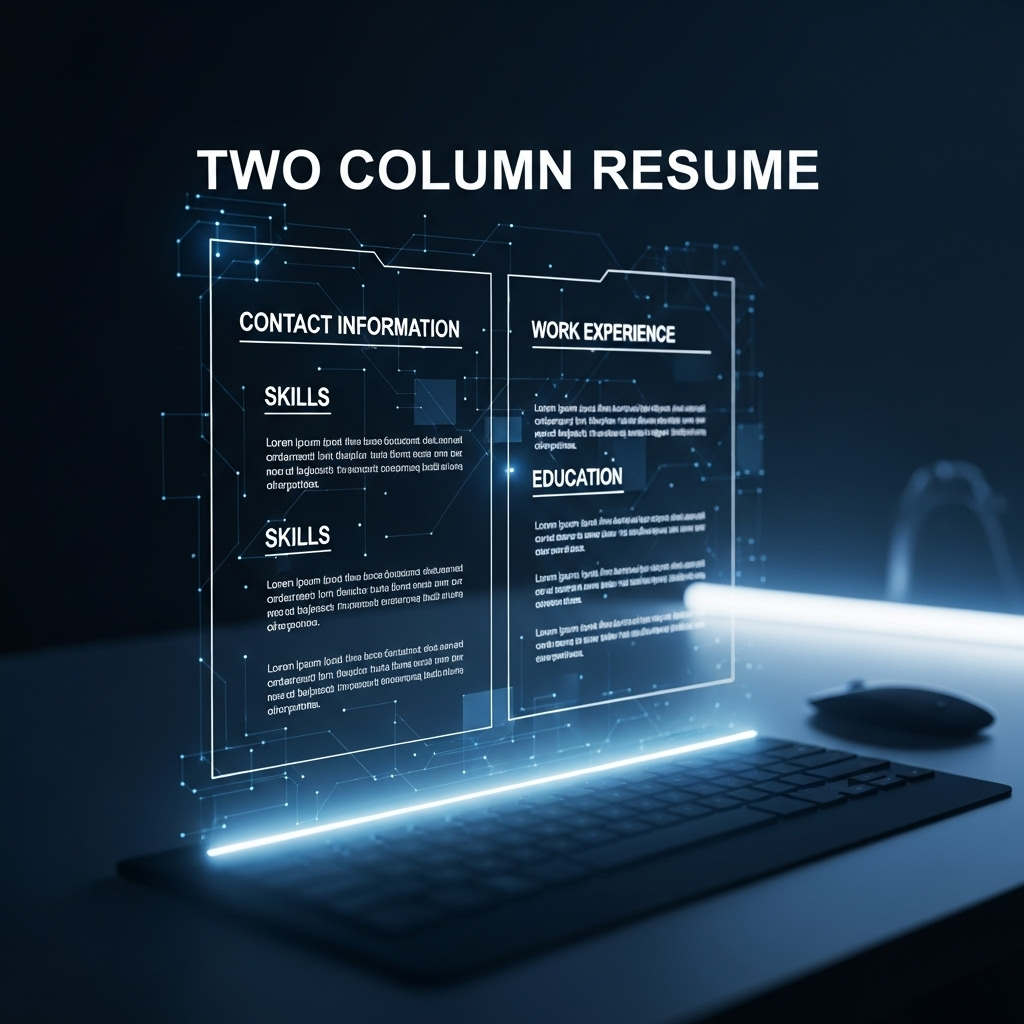
Introduction
You’ve designed a beautiful two-column resume. It’s modern, clean, and helps you stand out from the sea of bland, single-column documents. But then you hear the warnings: "Applicant Tracking Systems (ATS) can't read them!" Is your stylish resume destined for the digital trash bin before a human ever sees it?
While many articles offer a simple "don't do it," the reality is more nuanced. This guide provides a definitive, well-researched answer. We'll not only cover the risks but also show you how to create a two-column resume that is both visually appealing and ATS-compliant, giving you a critical edge in your job search.
The Great ATS Debate: Are Two-Column Resumes Really That Bad?
An Applicant Tracking System (ATS) is software used by companies to manage the recruiting process. A staggering 98% of Fortune 500 companies use an ATS to screen candidates Source: Authoritative HR Technology Report. These systems parse your resume for keywords, dates, and job titles to determine if you're a good match.
The problem is that older or poorly configured ATS can struggle with complex formatting. They read resumes from left to right, top to bottom. When an ATS encounters a two-column layout, it might:
- Read the columns out of order, jumbling your career timeline.
- Merge text from both columns into a single, nonsensical line.
- Fail to parse key information located in the secondary column.
This is where the competitor's advice falls short. They focus only on the problem, not the solution. The truth is, modern resume design has evolved, and a correctly formatted two-column resume can pass through most modern ATS without issue.
When to Use a Two-Column Resume (and When to Avoid It)
Deciding on a layout depends on your industry, experience, and how you apply. Here’s a clear comparison:
| Use a Two-Column Resume If... | Avoid a Two-Column Resume If... |
|---|---|
| You are in a creative or modern industry (like tech or marketing). | You are in a highly traditional field (like law or government). |
| You are applying directly on a company website with a modern UI. | You are uploading your resume to an older, text-based job portal. |
| You need to save space and have extensive experience to display. | Your resume content is sparse and doesn't require columns. |
| You are bringing the resume to a networking event or interview. | You are explicitly told to submit a plain-text or .txt resume. |
How to Design an ATS-Friendly Two-Column Resume That Wins
You don't have to sacrifice design for function. Follow these steps to create a resume that beats the bots and impresses recruiters.
- Structure it Logically: The most critical rule is to ensure your primary career narrative flows in a single, uninterrupted column. Use the wider, main column (usually the right) for your Work Experience and Education. The narrower column (usually the left) should be reserved for secondary information like Contact Details, Skills, and Certifications.
- Don't Use Word Processor Columns or Tables: Never use the "Columns" feature or insert a "Table" in Microsoft Word to create your layout. This is the number one cause of parsing errors. The ATS will try to read across the table, turning your resume into gibberish.
- Use a Professionally Tested Template: The safest and most effective method is to use a template built with ATS compatibility in mind. JobSeekerTools offers a library of professionally designed two-column resume templates that have been rigorously tested against leading ATS platforms. This removes the guesswork and ensures your information is parsed correctly every time.
- Keep Formatting Simple: Avoid excessive graphics, icons, or logos. Use standard, web-safe fonts like Arial, Helvetica, or Calibri.
- Test Your Resume: Before sending it out, test your resume with a parsing tool. You can often find free resume scanners online that will show you how an ATS "sees" your document.
The Do's and Don'ts of Two-Column Resumes
- DO: Keep the main flow of your work history and education in a single, dominant column.
- DO: Use the second, smaller column for contact info, skills lists, or awards.
- DON'T: Split a single job entry or sentence across two columns.
- DON'T: Use tables, text boxes, headers, or footers to structure your content.
Conclusion
The debate over the two-column resume is over. It is not a question of if you should use one, but how you should create it. By prioritizing a logical, single-column flow for your core experience and using a tested template, you can create a visually compelling resume that stands out for all the right reasons. Don’t let outdated fears hold your resume back.
Key Resources
The Anatomy of an ATS-Friendly Two-Column Resume
This guide breaks down how to structure a two-column resume to ensure it's readable by Applicant Tracking Systems (ATS).
Column Layout Strategy
The key is to separate content strategically between the two columns to maintain a clean parsing order for the ATS.
Left Column (Narrow)
Purpose: Ideal for secondary information that doesn't need to be parsed in chronological order.
- Contact Information
- Name
- Phone
- LinkedIn URL
- Skills
- Technical Skills (e.g., Python, SQL, Figma)
- Soft Skills (e.g., Communication, Teamwork)
- Certifications
Right Column (Main)
Purpose: Reserved for your core career narrative, which must be parsed chronologically from top to bottom.
- Work Experience
- Job Title
- Company
- Dates of Employment
- Key Responsibilities & Achievements
- Education
- Degree
- University
- Graduation Date
ATS Parsing Flow
An ATS reads a document from top to bottom. With a two-column layout, it will typically read one column fully before moving to the next. To avoid jumbling your experience, the main column with your work history and education should be structured to be read as a single, continuous block.
Jumbled vs. Clean ATS Parsing
This guide illustrates how an Applicant Tracking System (ATS) interprets a two-column resume, showing a side-by-side comparison of a poor layout versus a clean one.
How ATS Reads Different Layouts
An ATS does not "see" a resume visually. It parses the underlying text structure, which can lead to jumbled output if not formatted correctly.
Poorly Formatted (Jumbled Output)
Problem: Content from both columns is mixed together, disrupting the chronological flow of your work history and making it unreadable.
Jumbled ATS Output:
"Company A | Jan 2020 - Present | Skill 1 | Job Title | Company B | Feb 2018 - Dec 2019 | Skill 2 | Another Job Title"
Correctly Formatted (Clean Output)
Solution: The main column containing your career history is read as a single, uninterrupted block, preserving the correct order.
Clean ATS Output:
"Job Title | Company A | Jan 2020 - Present Another Job Title | Company B | Feb 2018 - Dec 2019
Skill 1 Skill 2"
Key Takeaway
A clean, logical structure is critical for ensuring your resume is understood by an ATS. Always prioritize a clear reading order for your primary career narrative.
Frequently Asked Questions
1. Can I use a two-column resume for a creative role like a graphic designer? Absolutely. For creative roles, a visually engaging resume is often expected. A two-column format is perfect for showcasing your design sense, but the principles still apply: ensure your core experience is in a single, parsable column, especially if you first apply through an online portal.
2. How can I test if my two-column resume is ATS-friendly? The best way is to save your resume as a plain text (.txt) file. Open the .txt file and review the content. If it appears as a logical, readable sequence of information, an ATS will likely be able to parse it correctly. If it's a jumbled mess, you need to fix your structure.
3. Are the resume templates from Canva or Google Docs safe to use? While visually appealing, templates from generic design platforms are often built with aesthetics as the primary goal, not ATS compatibility. They frequently use design elements like text boxes and tables that can cause major parsing errors. It's always safer to use a template from a specialized career service like JobSeekerTools.